
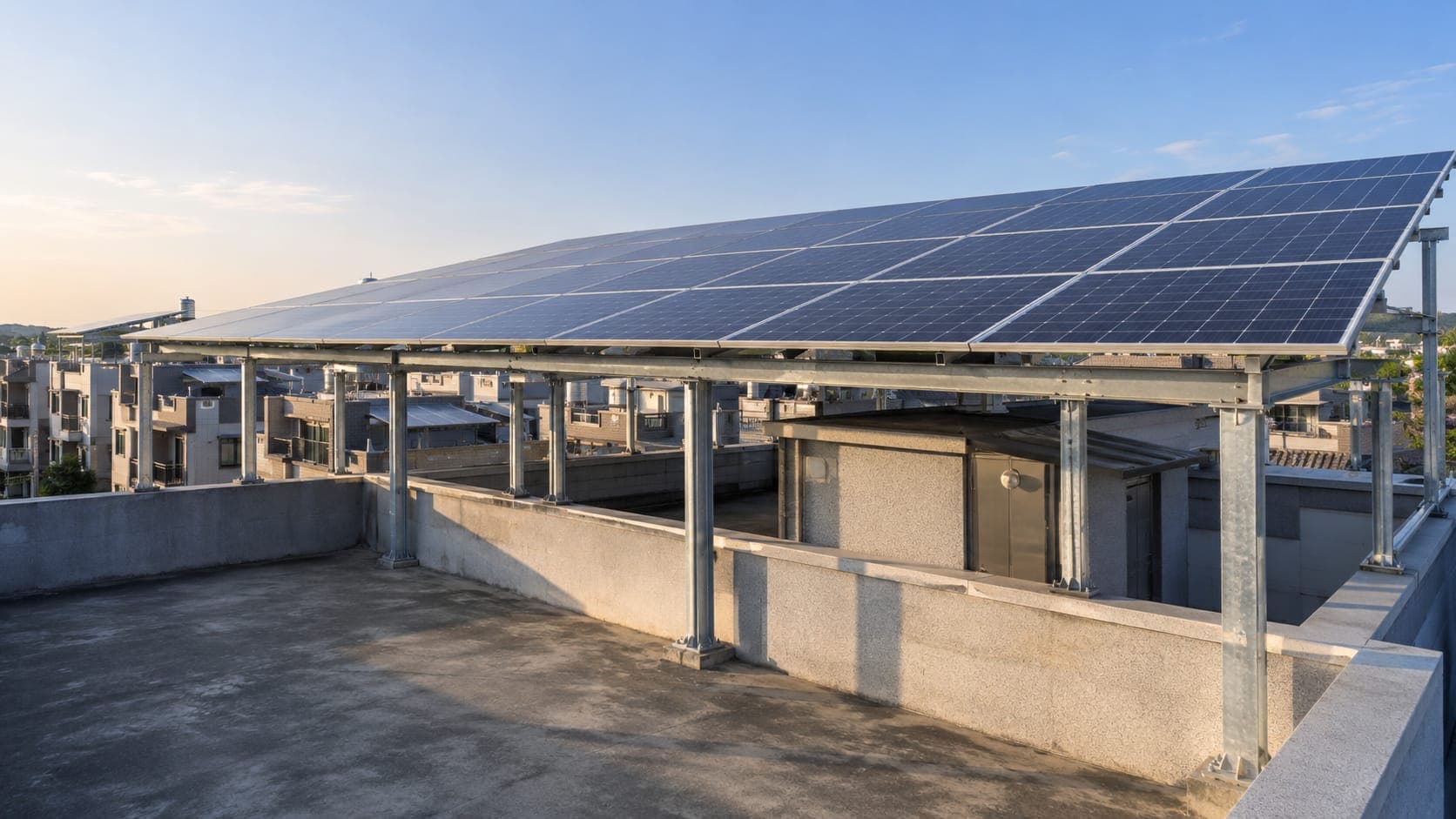
How to Monitor Solar PV: Inverter and Power Meter Data Architecture
On a solar site, generation data is spread across the inverters and the three-phase power meter. This article explains what happens once these devices are connected over RS-485 to our CGate gateway: how the data is logged on site, how alerts go out when something goes wrong, and how the data reaches your own O&M platform.
System architecture and devices
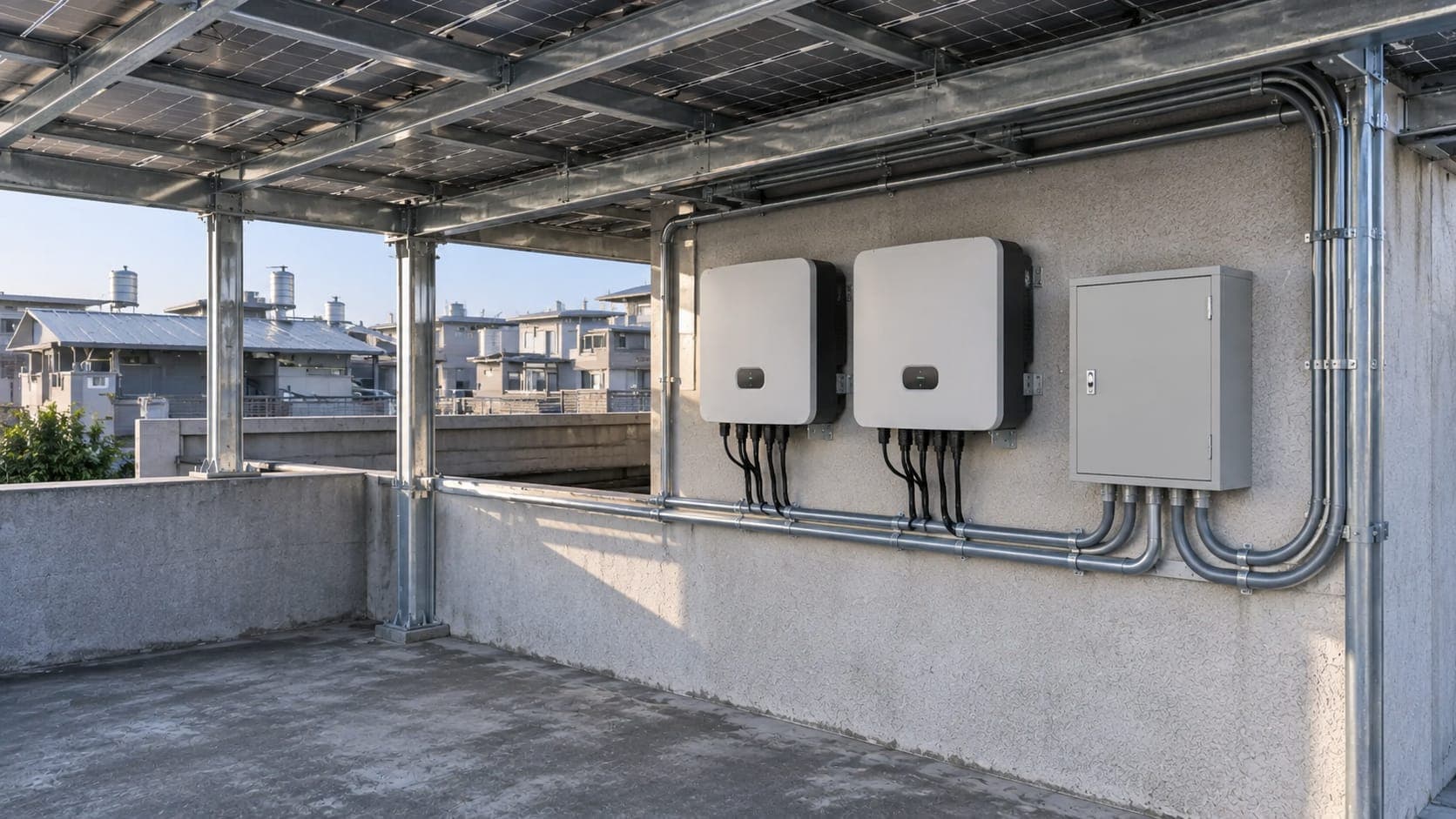
The inverters and the three-phase power meter both have RS-485 and are daisy-chained to CGate. CGate reads them on a schedule and stores the data locally. From there the data goes three ways: an on-site web interface, email and LINE alerts, and Modbus TCP or MQTT to your O&M platform.
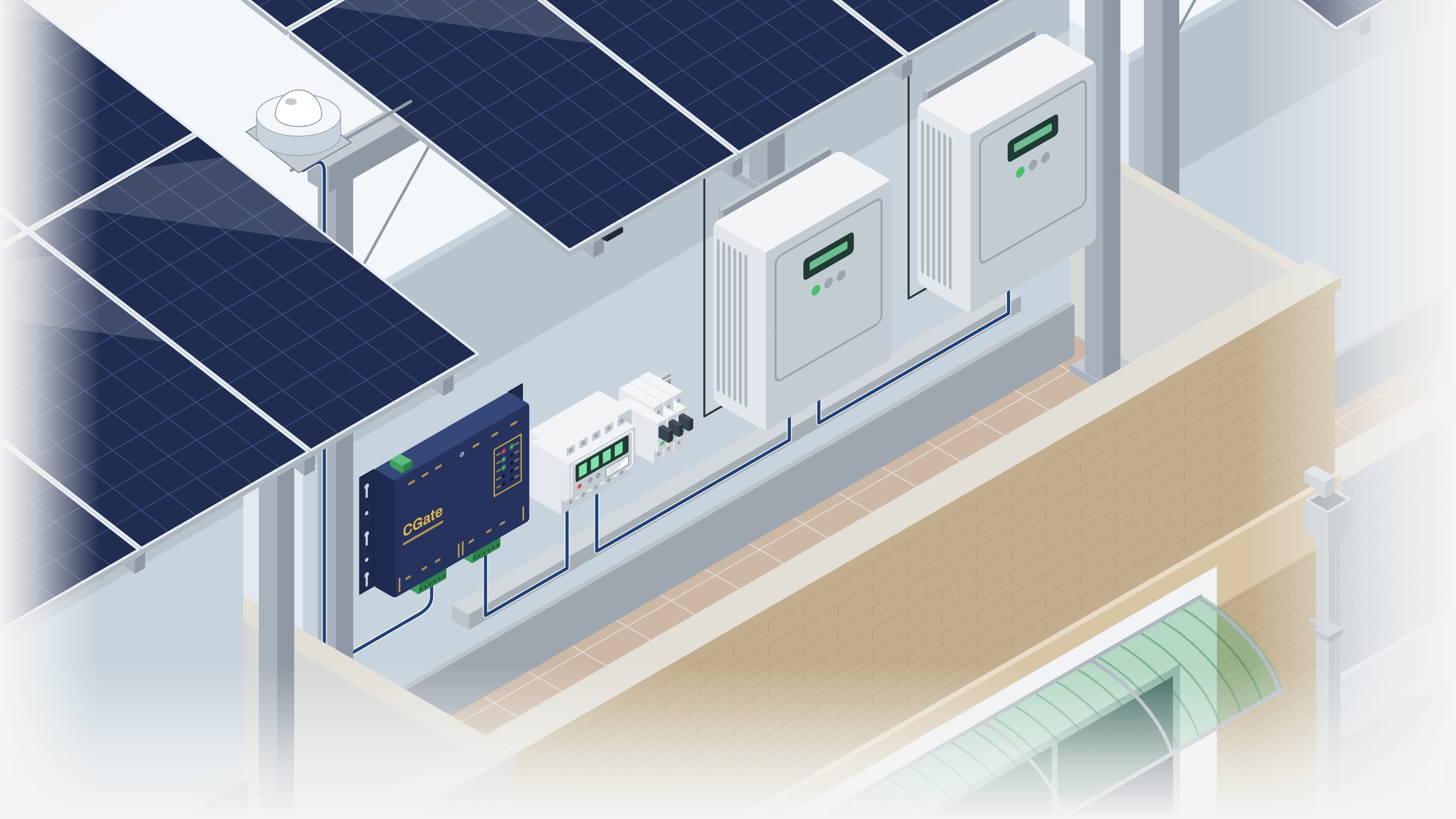
Polls on a schedule, logs locally, provides a web interface and email/LINE alerts, and outputs data over Modbus TCP/MQTT
CGate
GATEWAY- Choose a model based on the number of devices and points
- Logs continuously to a built-in database, even when the network is down; records can be exported
- Web interface for viewing; email or LINE alerts when something goes wrong
4G connectivity
OPTION- No network cable on site? Use cellular for viewing and alerts
- Sends SMS alerts
- Optional on CGate-05/06
Inverters and power meters
FIELD DEVICES- Inverters and power meters with RS-485 and Modbus RTU support
- Points are set up from each device’s register map
Common readings by device
The table lists readings commonly monitored on a solar site. CGate reads them once the points are set up from each device’s Modbus register map.
| Device | Common readings | Used for |
|---|---|---|
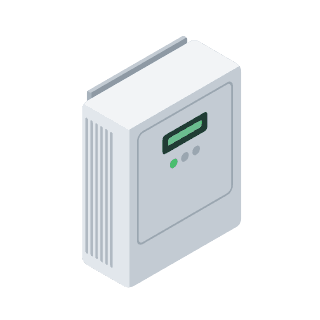 | AC output power, daily and total energy yield, AC voltage and frequency, operating status, fault codes | Checking whether an inverter has shut down and whether its output is normal |
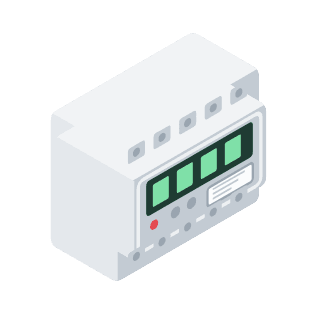 | Cumulative energy, voltage, current | Reconciling against the energy you are paid for |
What can actually be read depends on each device’s Modbus register map.
Three things CGate does in the system
Scheduled polling, local logging
CGate reads each device at the interval you set and stores the readings in its built-in database. Records are kept permanently within the storage capacity, and a network outage does not interrupt logging. You can view historical trends in the web interface and export the records.
Alerts when something goes wrong
When a reading crosses a threshold you set, such as daytime output power falling below a set value, CGate sends an alert by email or LINE, configured to your preference. It also notifies you when a device stops responding.
Sending data to your own platform
Your O&M platform can get the data from CGate over Modbus TCP or MQTT (depending on the model). You decide where the data goes.
Common questions before you start
Which inverter brands can CGate connect to?
Any inverter with RS-485 that supports Modbus RTU and provides a register map can be read. Send us the model and its register map before you start, and we will help check compatibility.
How many inverters can one CGate handle?
Each RS-485 port supports up to 8 devices (4 on CGate-01). The number of ports and total points vary by model; see the spec comparison on the CGate product page.
Can monitoring be added to an existing solar site?
Yes. If the inverters have RS-485, support Modbus RTU and come with a register map, they can be connected to CGate without being replaced.
Will generation data be lost if the network goes down?
No. CGate reads the devices and stores the data on site, so a network outage does not interrupt logging. Records are kept permanently within the storage capacity.
Can the generation records be exported?
Yes. The data is stored in the built-in database of CGate. You can view historical trends in the web interface and export the records.
Can I get LINE alerts when something goes wrong with generation?
Yes. When a reading crosses a threshold you set, CGate sends an alert by email or LINE, configured to your preference. It also notifies you when a device stops responding.
What if the site has no network connection?
CGate-05 and CGate-06 can take an optional 4G module to send alerts and SMS over the cellular network.
Do I need to write code to set up monitoring points?
No. Points, alarm conditions and data output are all set up in the web interface.
Every site’s equipment is different
Inverter models and counts, alarm conditions and notification methods can all be planned around your site. Send us the device models and register maps, and our sales team will help assess your needs.