Greenhouse Climate Control: Adjusting to Live Temperature and Humidity, with Automatic Day and Night Switching
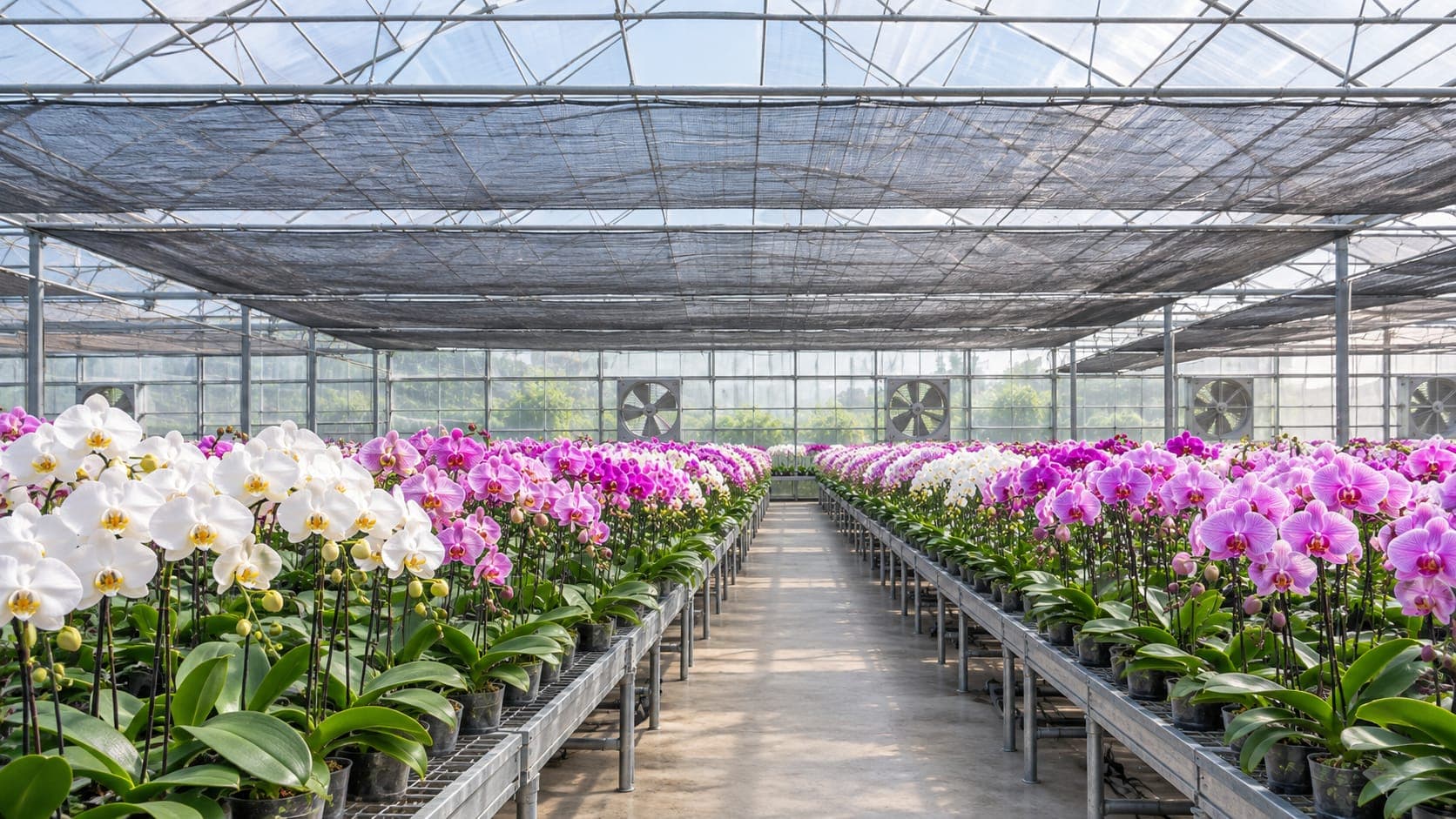
In one Phalaenopsis trial, all four varieties reached a 100% spiking rate at 25°C by day and 20°C by night, but 0% after six weeks at 30°C by day. A greenhouse has to do more than stay cool: it has to hit the right temperature at the right time of day.
Tomatoes are similar: a 20°C night is considered the critical cultivation temperature for temperate varieties. The clips are illustrative; equipment order and thresholds depend on the crop and growth stage. RIO is LLD Technology's remote I/O module. It reads sensor values and sends control signals.
01
Afternoon heat: equipment comes on in stages
BEFORE
Timers and basic sensors cannot adapt to actual conditions.
AFTER
Each cooling device runs on its own temperature threshold. A configurable minimum run time prevents frequent starts and stops, extending equipment life.
02
High humidity: cooling pads shut off
BEFORE
Cooling pads can only be switched by hand on site, so they cannot respond promptly to changing conditions.
AFTER
The higher the humidity, the less evaporative cooling can do. RIO evaluates temperature and humidity together. When humidity is too high, it shuts off the water to the cooling pads and relies on ventilation.
03
Automatic switching between day and night modes
AFTER
All control logic runs on RIO, so it is unaffected by network conditions. At the scheduled time, RIO retracts the shade screens and switches to the night thresholds, while continuing to start and stop the fans as the temperature changes.
ARCHITECTURE
Control logic stays in the greenhouse
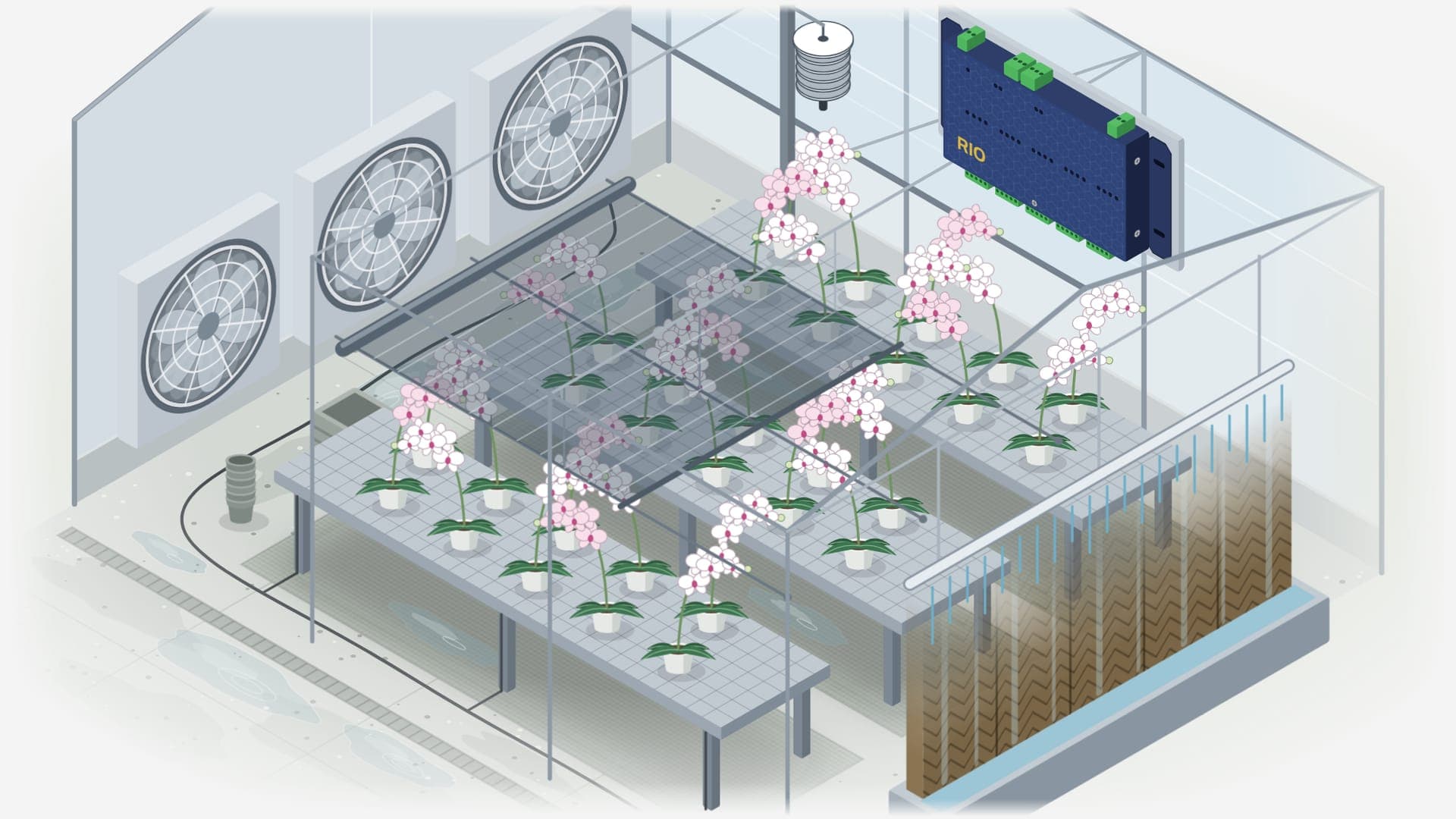
Sensors send temperature and humidity readings to RIO. RIO evaluates them against the thresholds and schedules you set, then sends control signals to the fans, cooling pads and shade screens. Equipment order and thresholds are set for each crop and can be adjusted by growth stage.
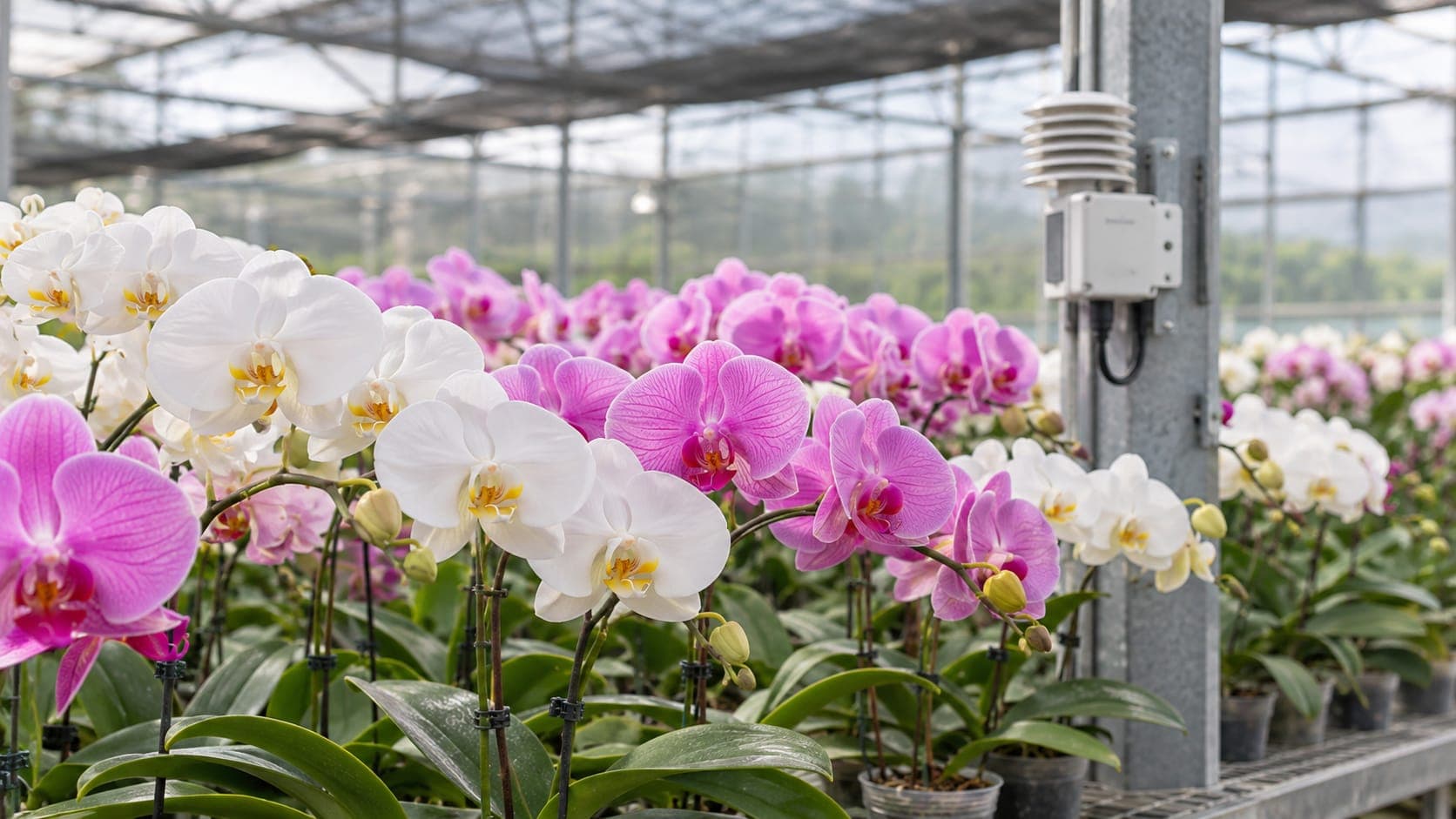
Temperature & humidity sensorConnects to RIO via RS-485 or mA signal
RIO Remote I/OWith DDC, decides on site based on temperature, humidity and time of day
FansStaged by temperature threshold
Cooling padsControlled by both temperature and humidity
Shade screensControlled by temperature and time of day
Your on-site control panel still handles the actual switching
FAQ
Questions before you start
Q.01 /How can I view the greenhouse data?
RIO has no built-in display or long-term logging. To view the data, read it from RIO with an environmental computer, PLC or monitoring software that supports Modbus.
Q.02 /What happens during a power outage?
RIO loses power during an outage and cannot control anything. Once power returns, RIO resumes control immediately.
Q.03 /Does it work without internet access?
Yes. Control runs on RIO on site and does not require a network connection.
Q.04 /What thresholds should I use?
That is up to the grower and depends on the crop and growth stage. The numbers in the clips are illustrative, not recommendations.
Q.05 /Can control settings differ by crop?
Yes. Thresholds, schedules and equipment actions can be configured to match the ideal growing conditions for each crop in your greenhouse.
Q.06 /Can I keep my existing control box and manual switches?
Yes. RIO only makes decisions and sends control signals. Your on-site control panel still handles the actual switching.
TAILORED TO YOUR SITE
Every greenhouse is different
Crops, equipment types and quantities, thresholds and schedules can all be tailored to your site. Tell us about your greenhouse, and our sales team will help you plan the setup.