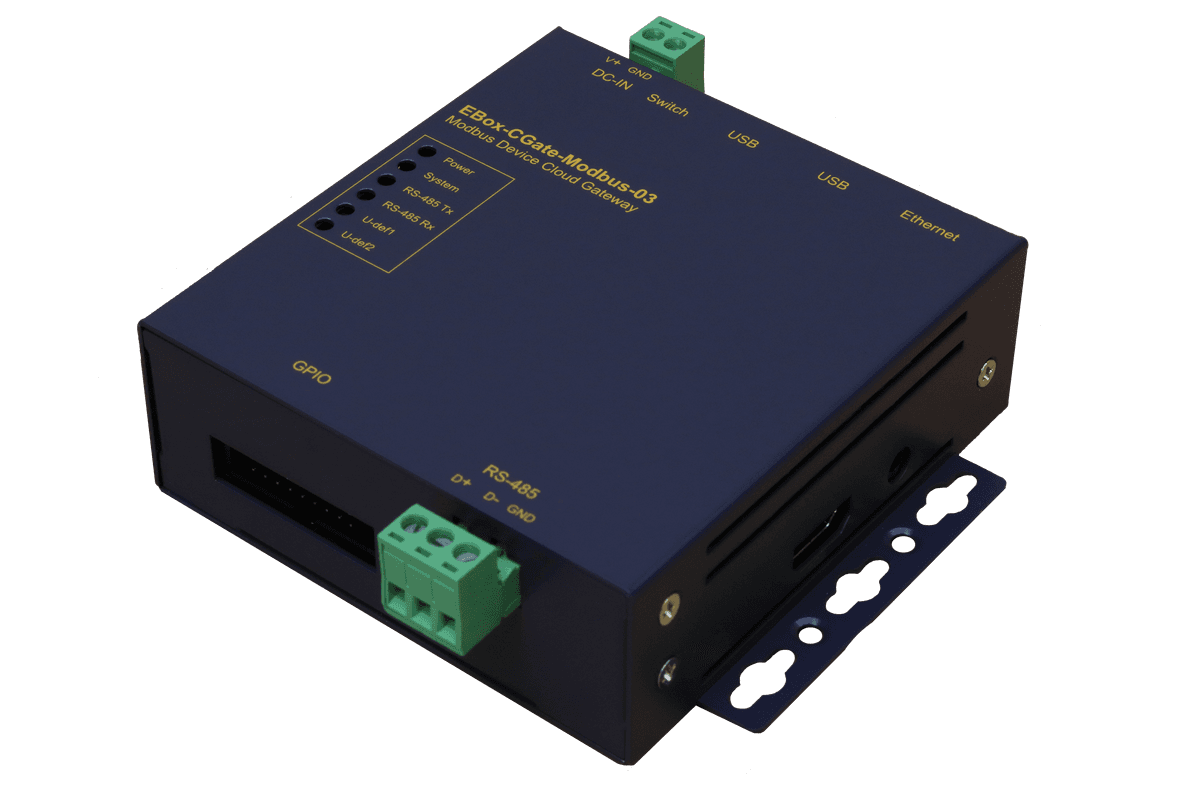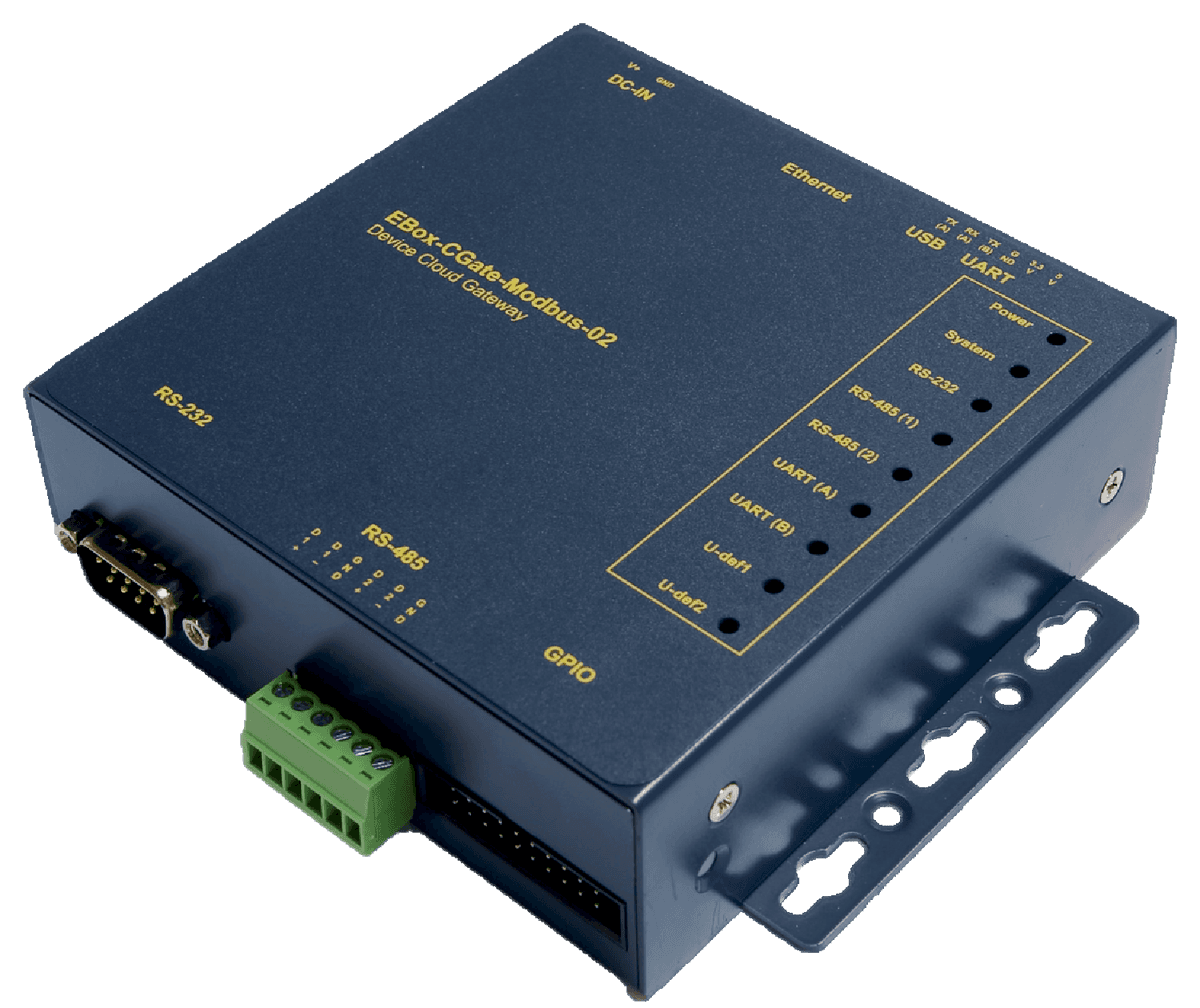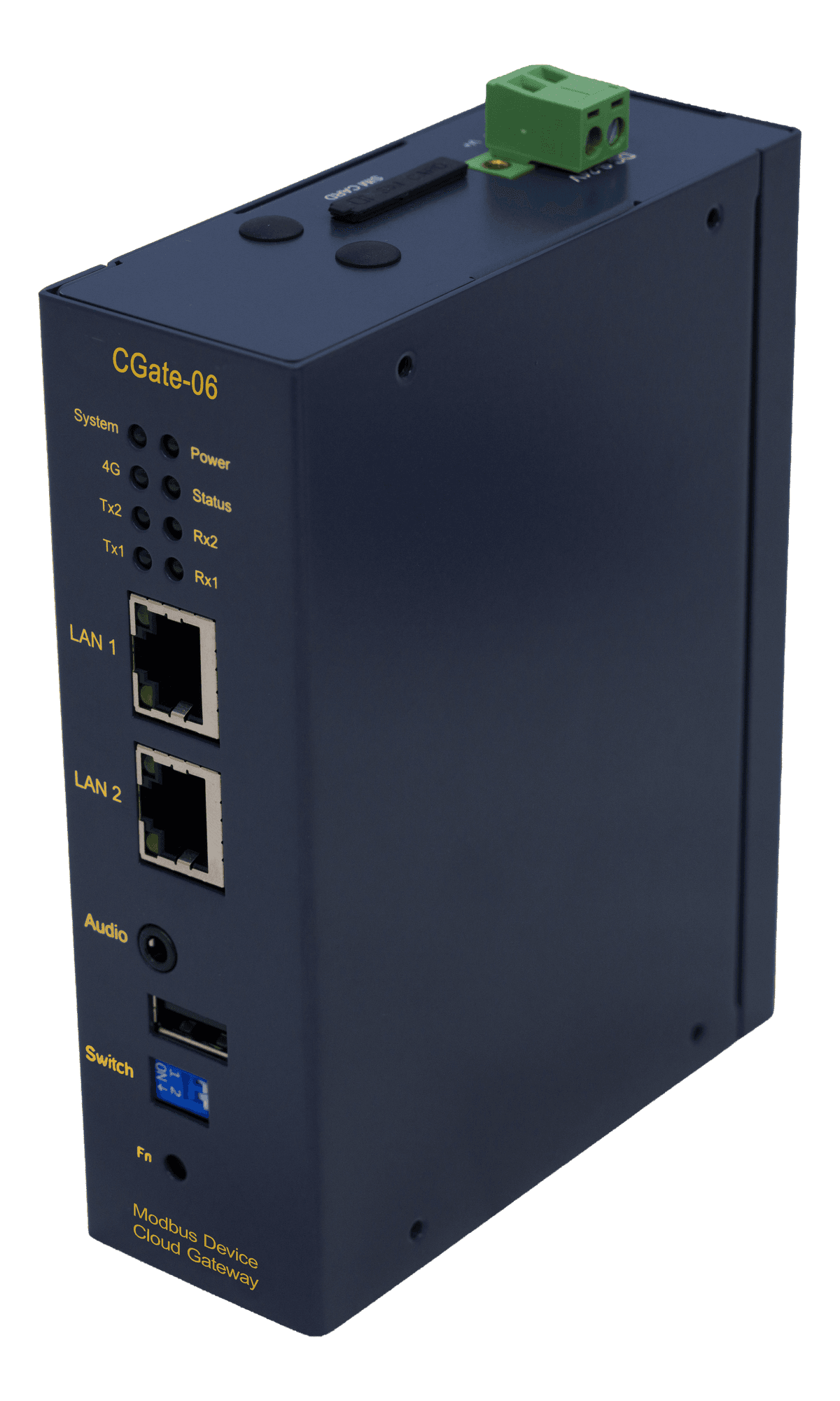
BEST FIT
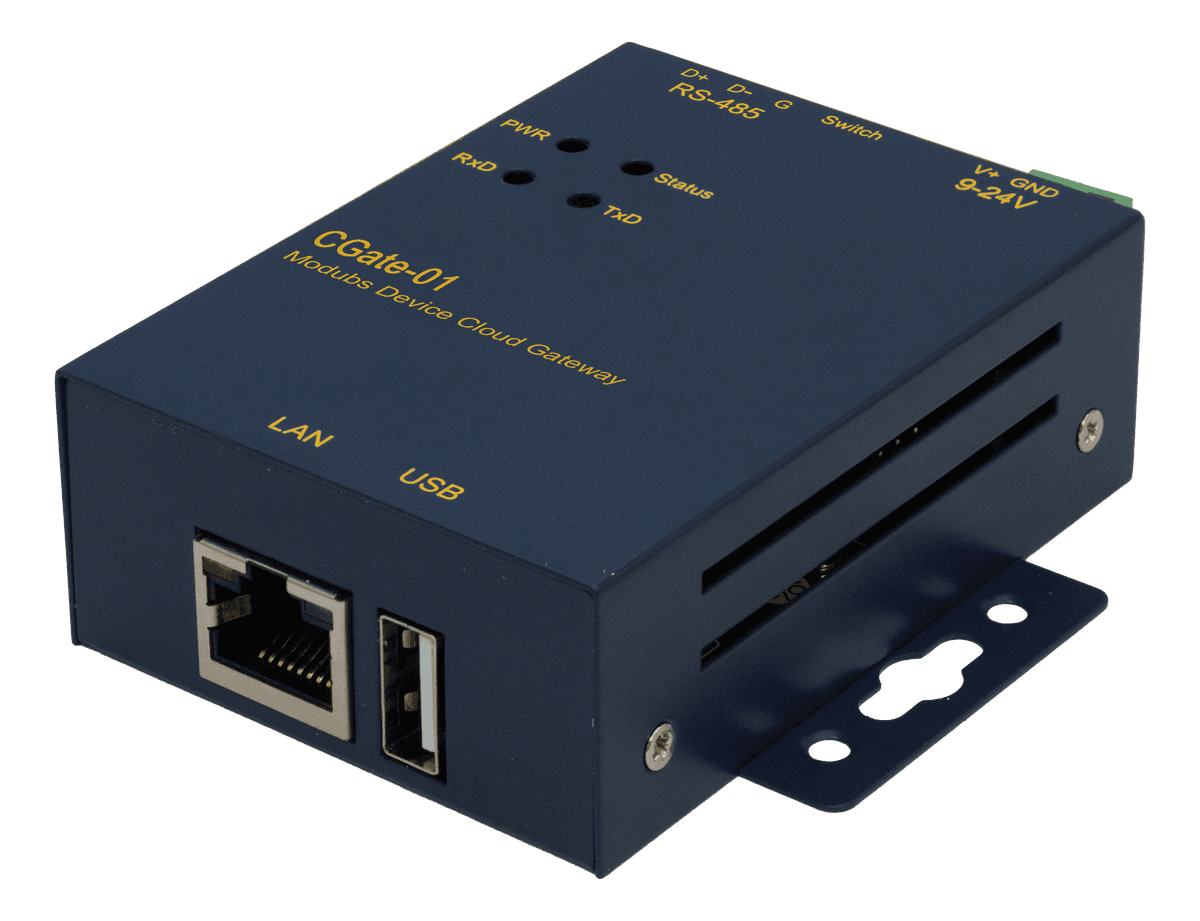
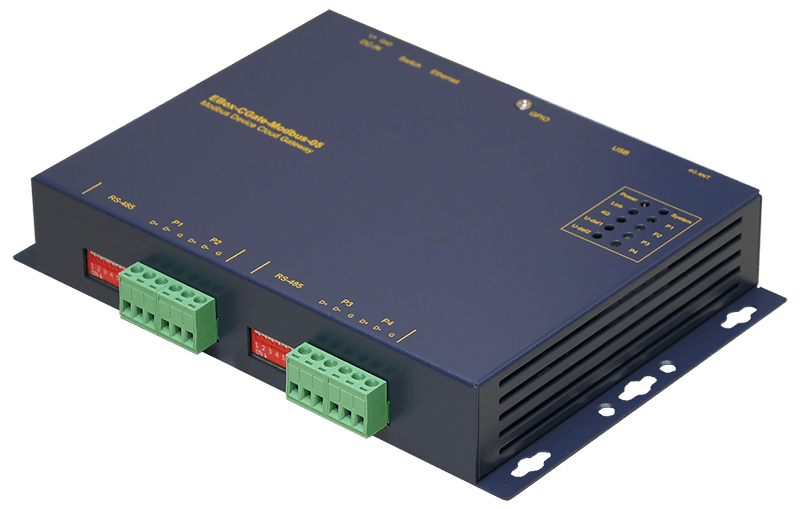
COMPACTCGate-01
- RS-485
- ×1
- Ethernet
- ×1
- Monitoring points
- 32 pts · 4 devices
- Modbus Agent
- —
- 4G
- —

Field devices sit on RS-485; host systems sit on Ethernet. This article covers how the two differ, the two common gateway architectures, and how to choose a model for your site.
Field devices
Power meter
Temp./RH sensor
Drive
TCP device
CGate
Polling
Point mapping
SQL database
Host systems

SCADA / HMI
Modbus TCP
Cloud platform
MQTT

Database sync
MySQL
Both share the same data model (coils and registers); only the transport differs. Integration is about making data on the RS-485 bus reachable over Ethernet.

Most gateways on the market map each RTU device straight to TCP by port definition: every read goes to the field device, and point mapping and data handling are left to the host. CGate polls first, keeps the latest values, remaps the points, then delivers to several destinations at once.
Add your own devices and choose which coils and registers to read
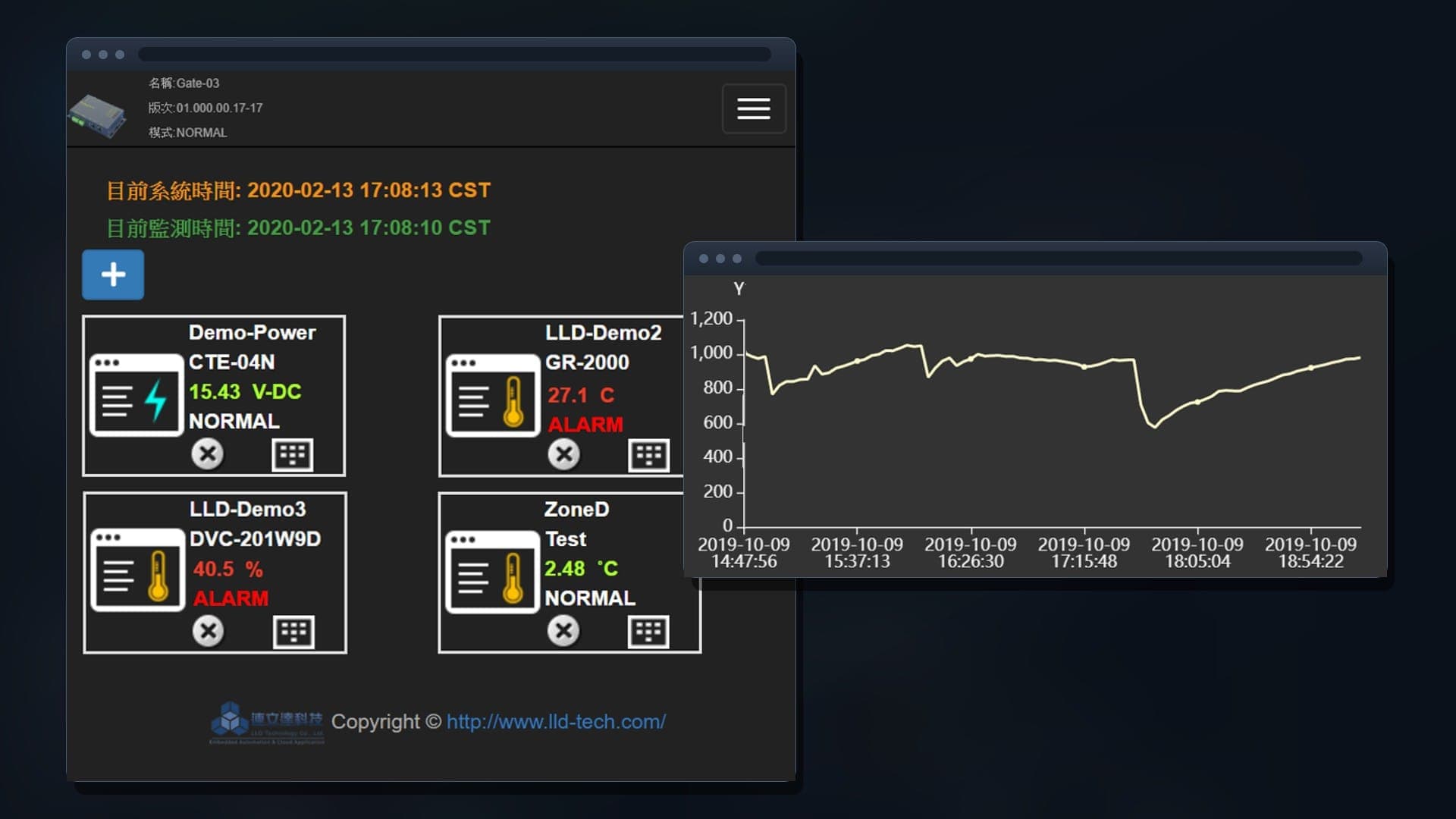
Serves the organized points as a Modbus slave and an MQTT subscriber
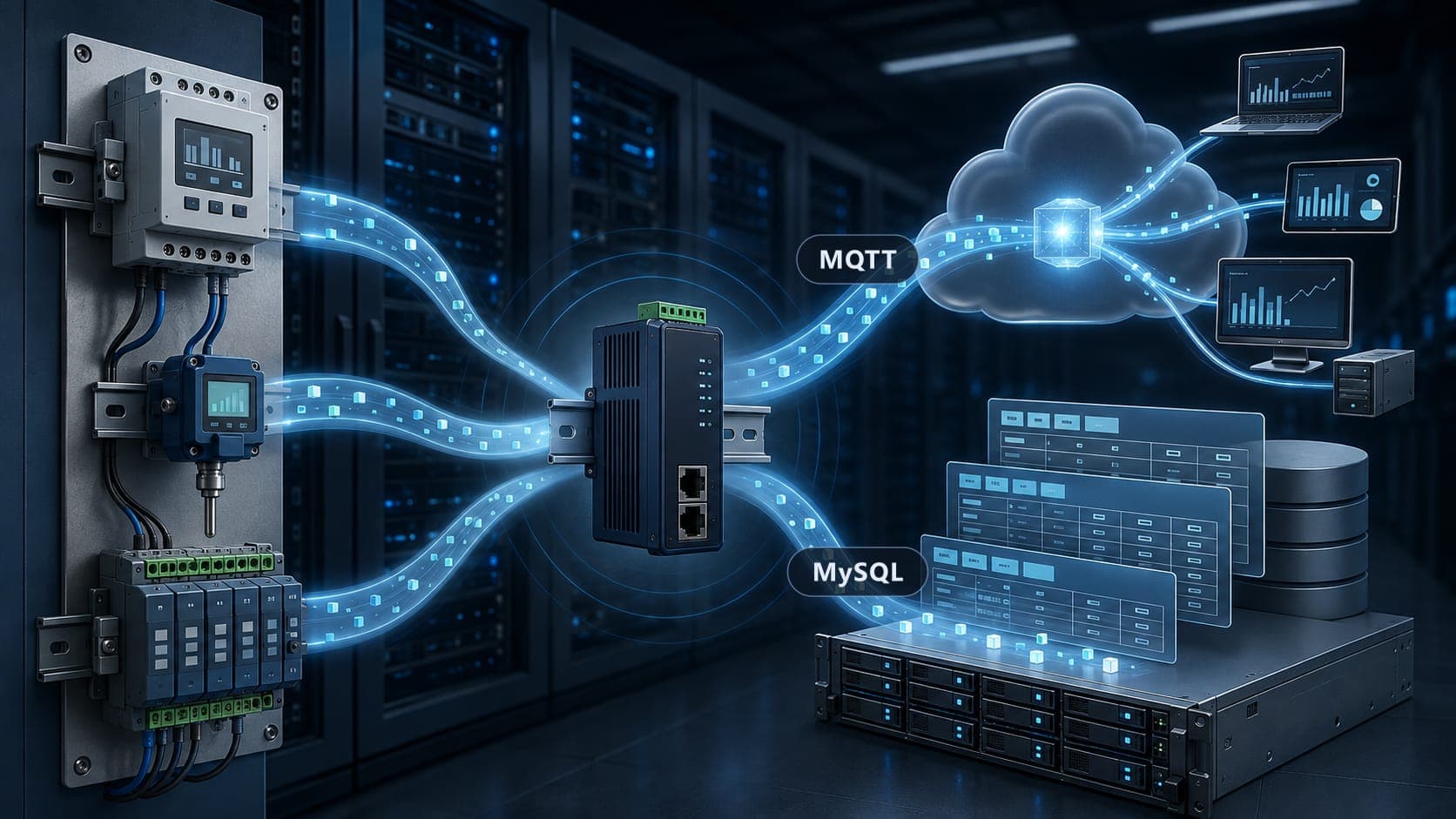
Multiple channels for delivering data
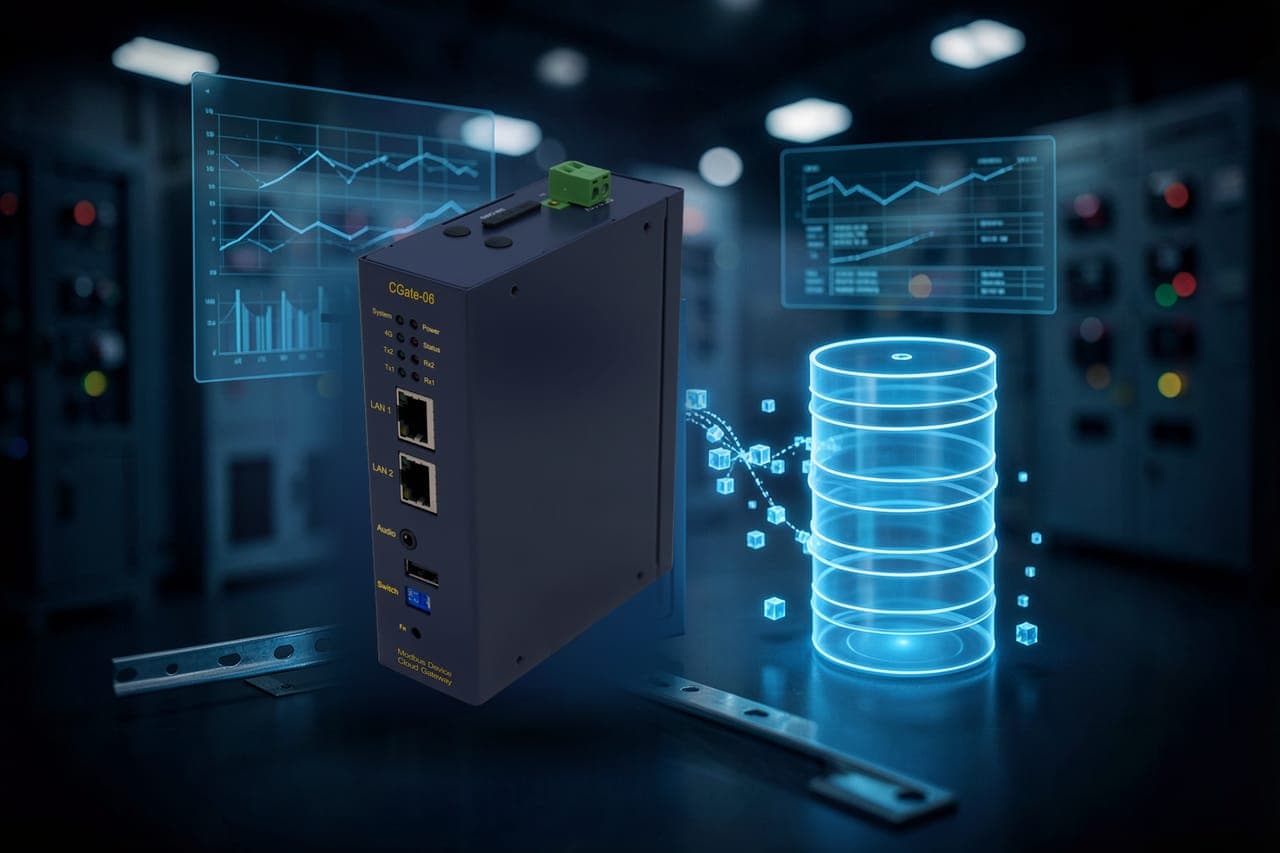
History is kept in an SQL database and can be exported
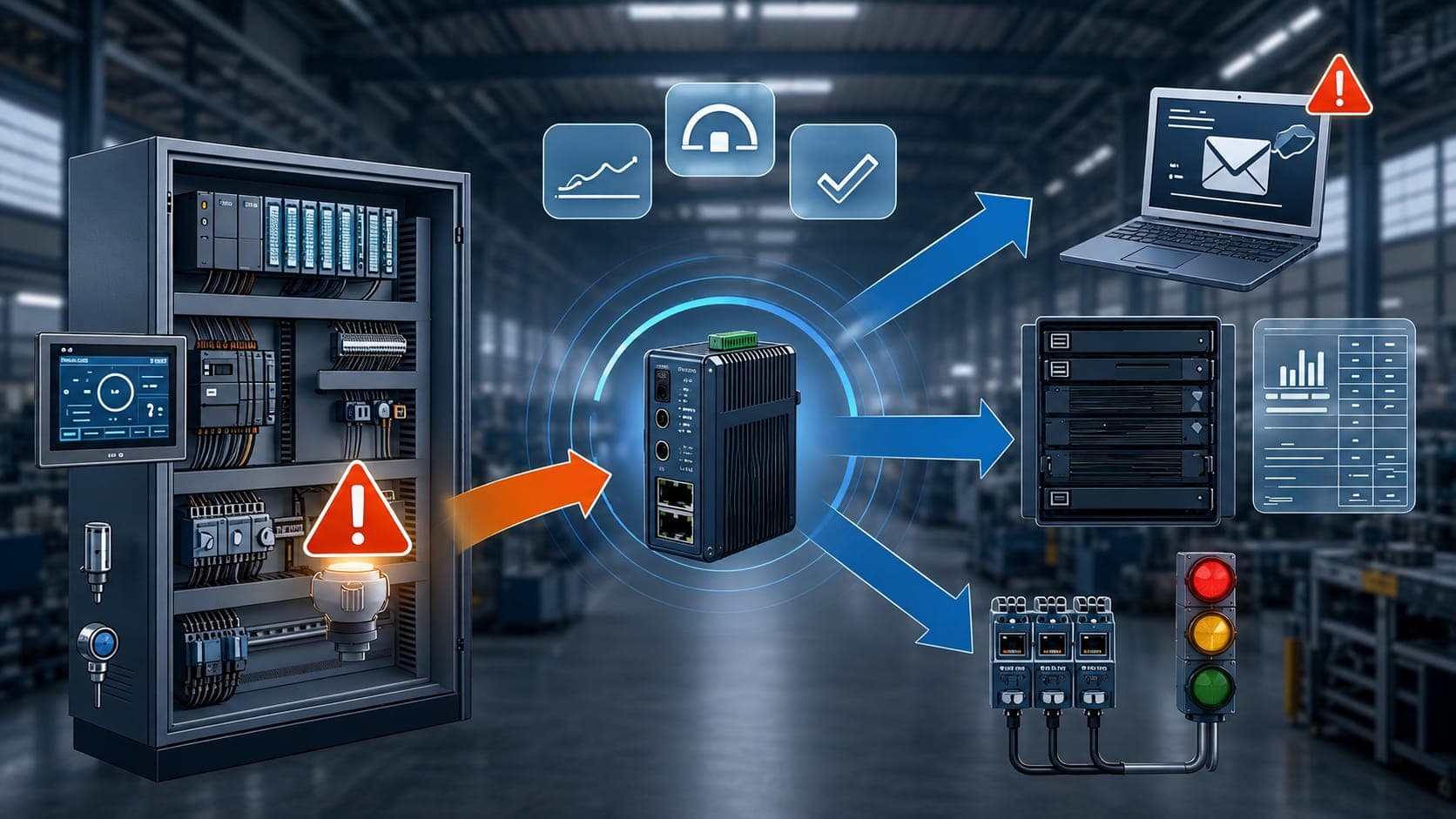
Set conditions per device or per point to send an email or switch a DO
| Typical Modbus converter | CGate | |
|---|---|---|
| How it works | Forwards each request to the device and relays the reply | Polls devices, stores the latest values, then delivers |
| Point mapping | Keeps each device’s own addresses; the host configures them one by one | All device points consolidated into one CGate point map |
| Data storage | Stores nothing; logging is up to the host | Built-in SQL database and history log |
| Outputs | Modbus TCP | Modbus TCP, MQTT (JSON) and MySQL in parallel |
| Live monitoring view | None; the host must display it | Built-in web monitoring page |
Note: “typical Modbus converter” refers to gateways that only convert between Modbus RTU and Modbus TCP.
 Energy Management
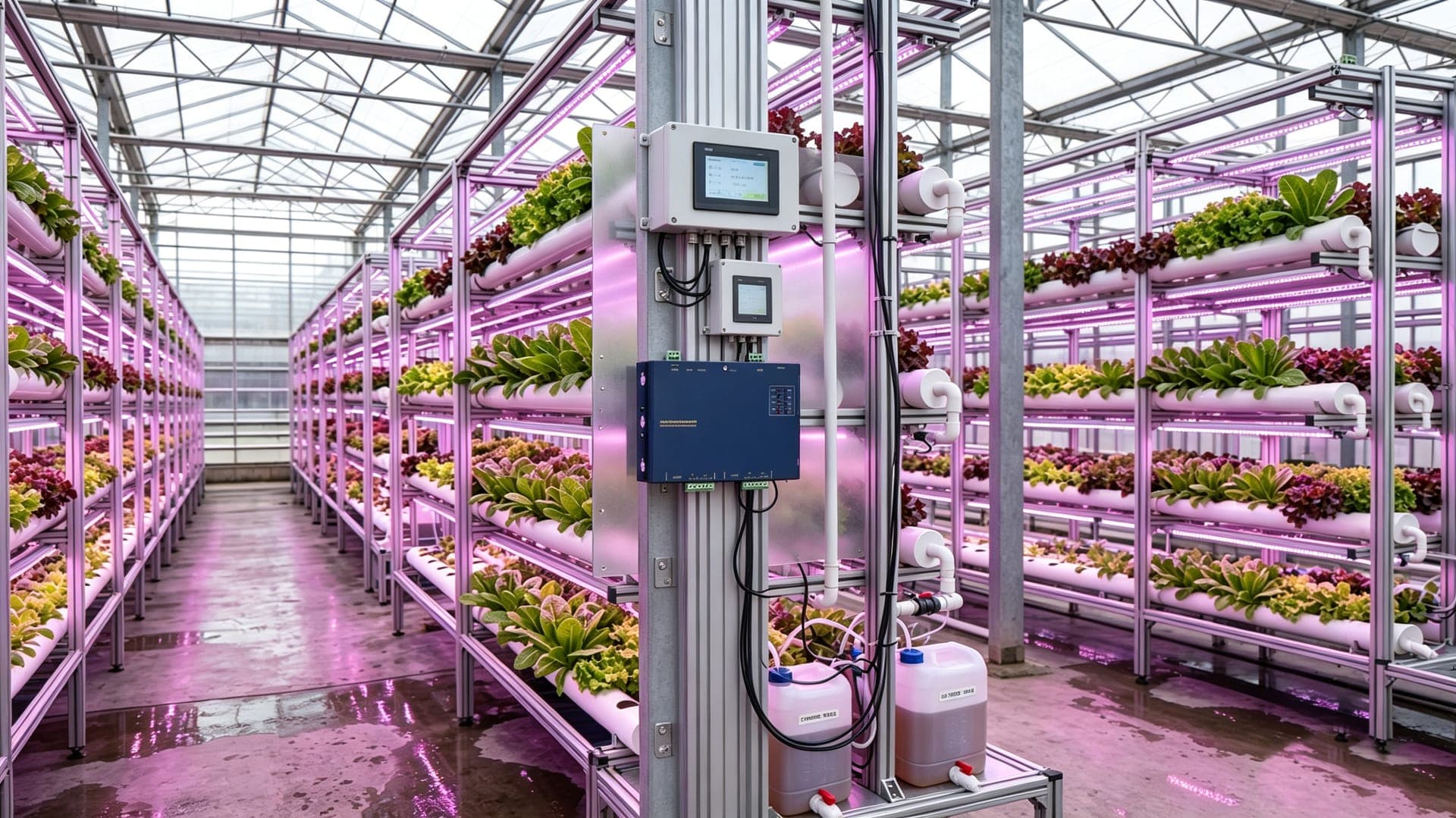 Environmental Monitoring
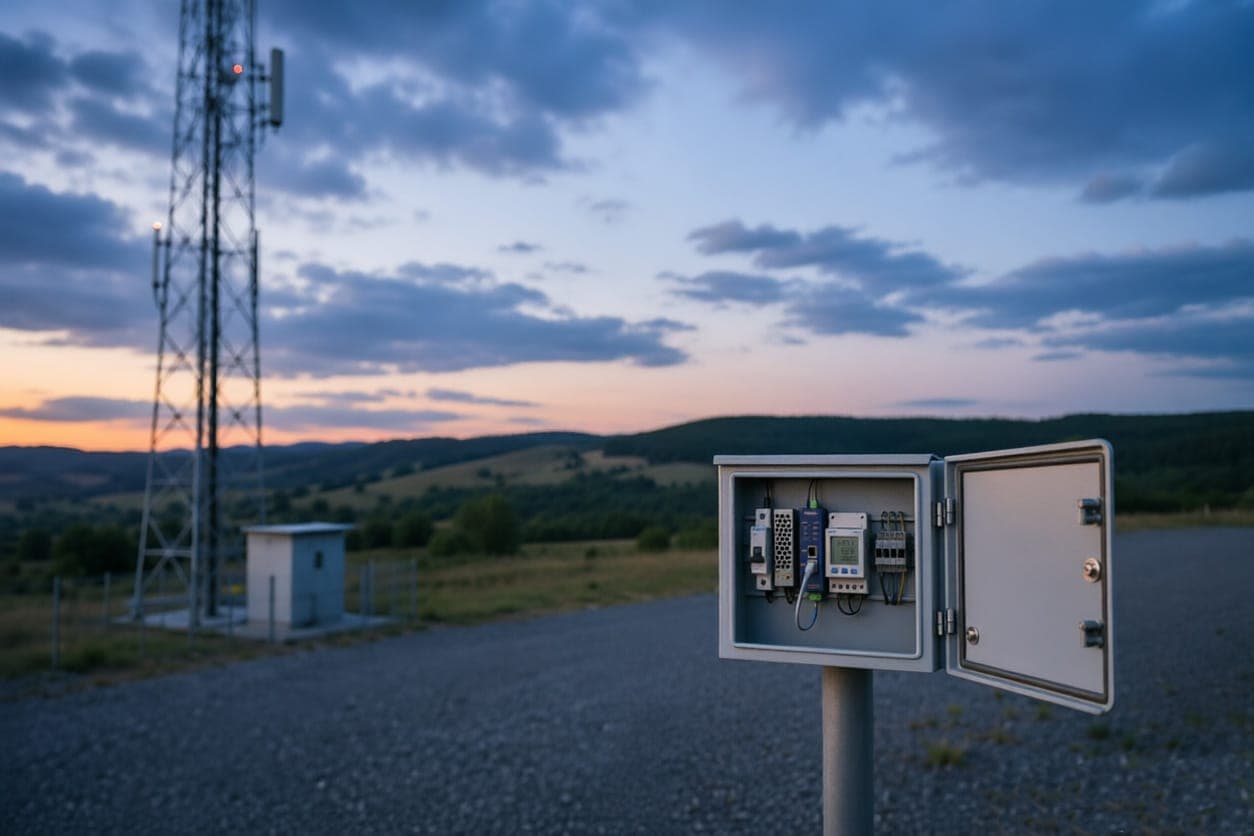 Remote Site OperationsEnergy ManagementEnvironmental MonitoringRemote Site Operations
Field Modbus devices are spread across switchboards, greenhouses and remote sites. CGate polls them on site, organizes the points, then uploads to the cloud or hands them to SCADA.
How many groups of RS-485 devices use different serial settings?
How many devices in total?
Where does the data need to go?
Is there a wired network on site?
Explore the full CGate gateway line
BEST FIT
COMPACT